About this template
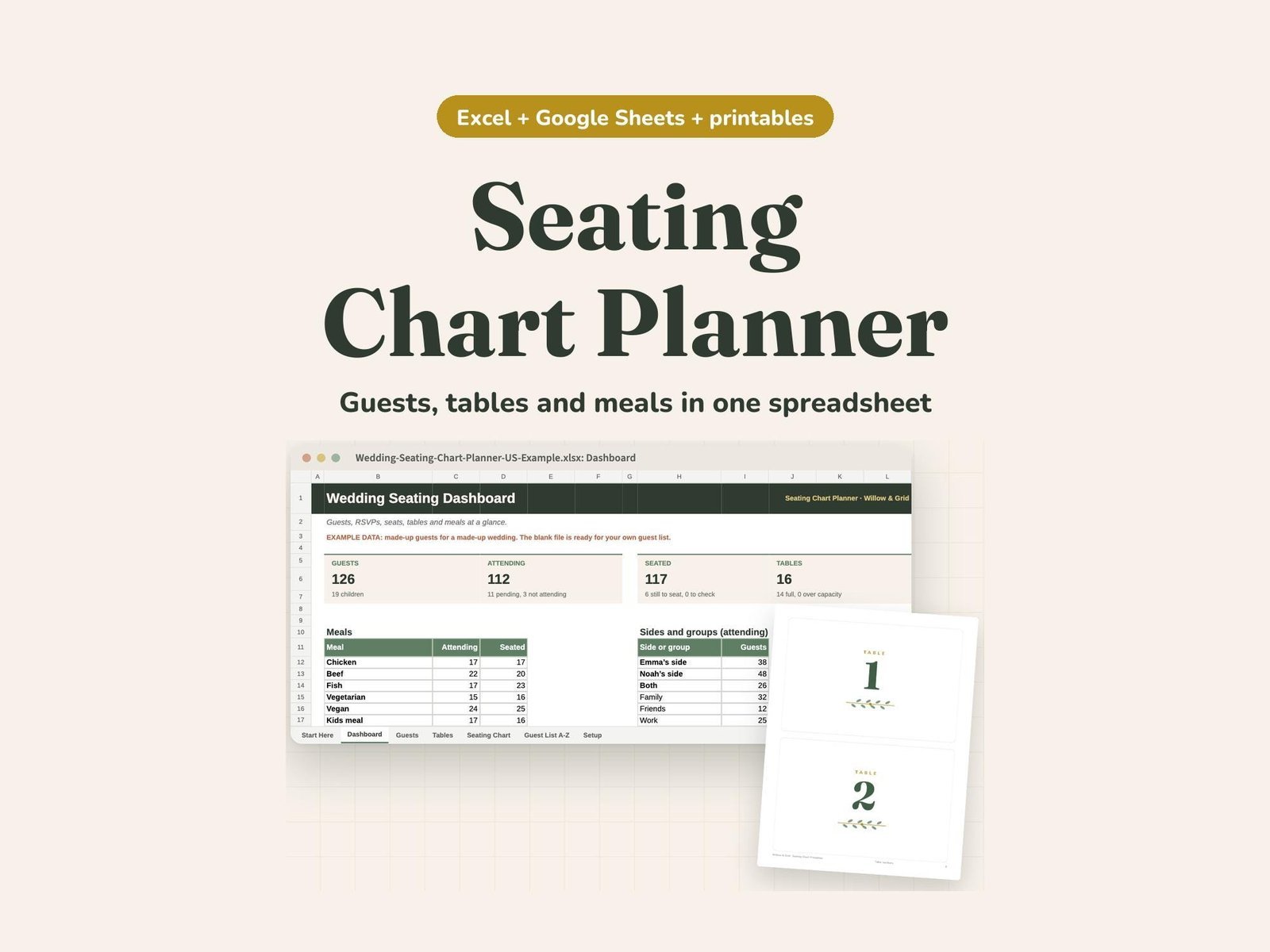
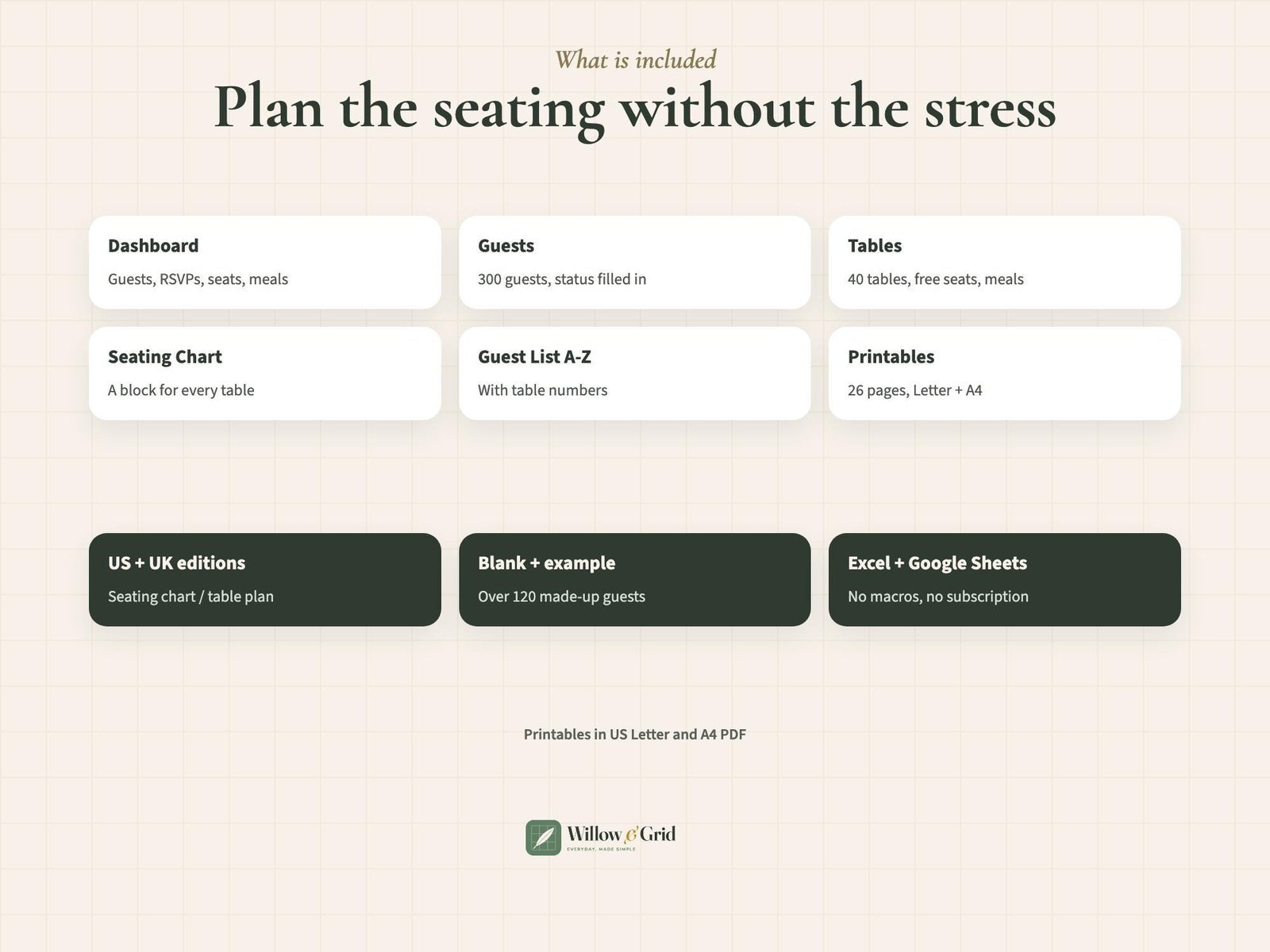
A wedding seating chart template spreadsheet for up to 300 guests and 40 tables: pick a table for each guest and the seating chart, the A to Z guest list with table numbers and the meal count per table fill in for you. It comes as a digital download for Excel and Google Sheets, with US and UK editions and 26 pages of printable table numbers, place cards and escort cards in US Letter and A4.
What's in the spreadsheet
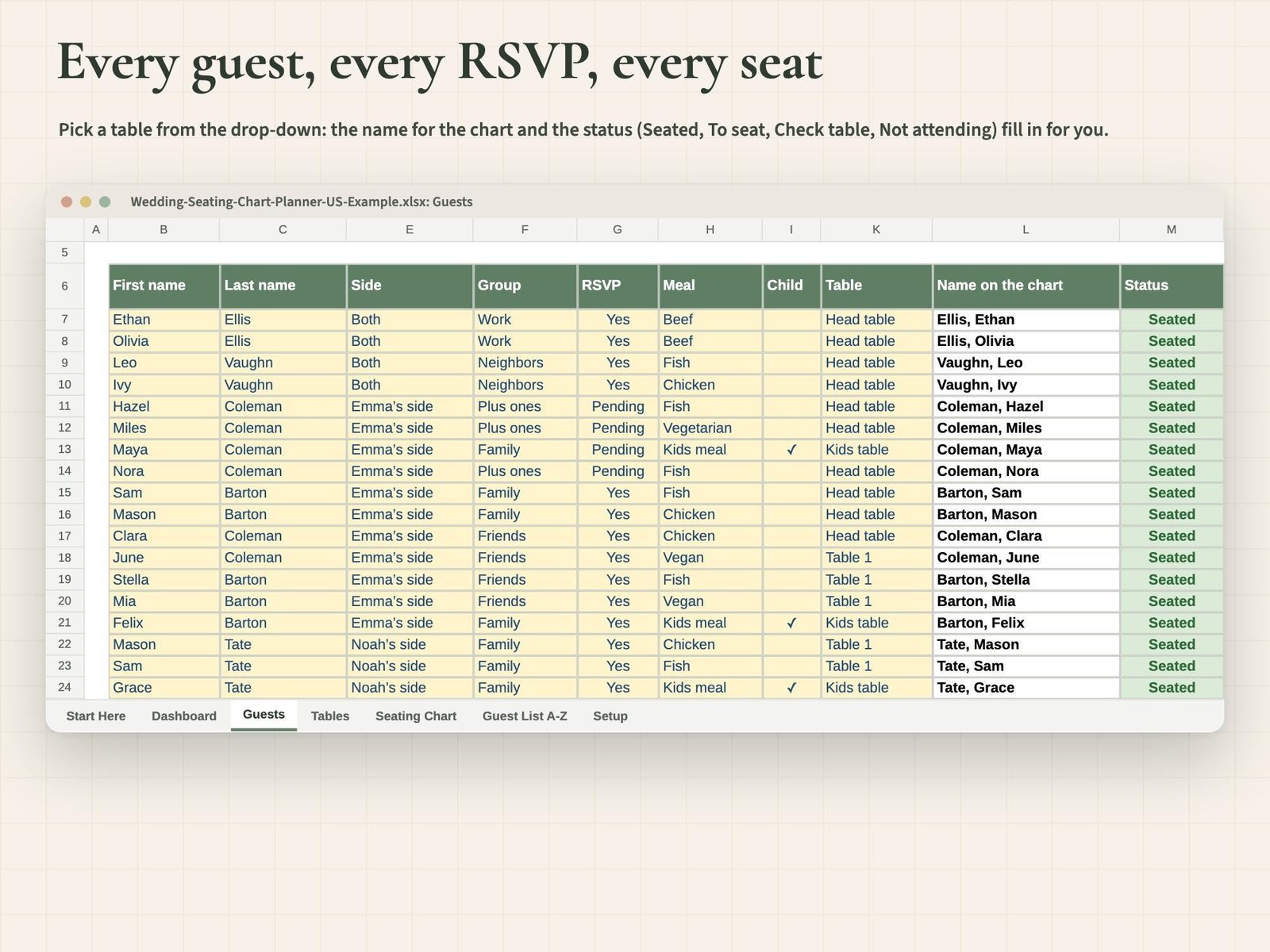
- Guests: 300 rows for first and last name, household, side, group, RSVP, meal, child, dietary notes and table. The name for the chart and a status (Seated, To seat, Check table, Not attending) fill in from your choices
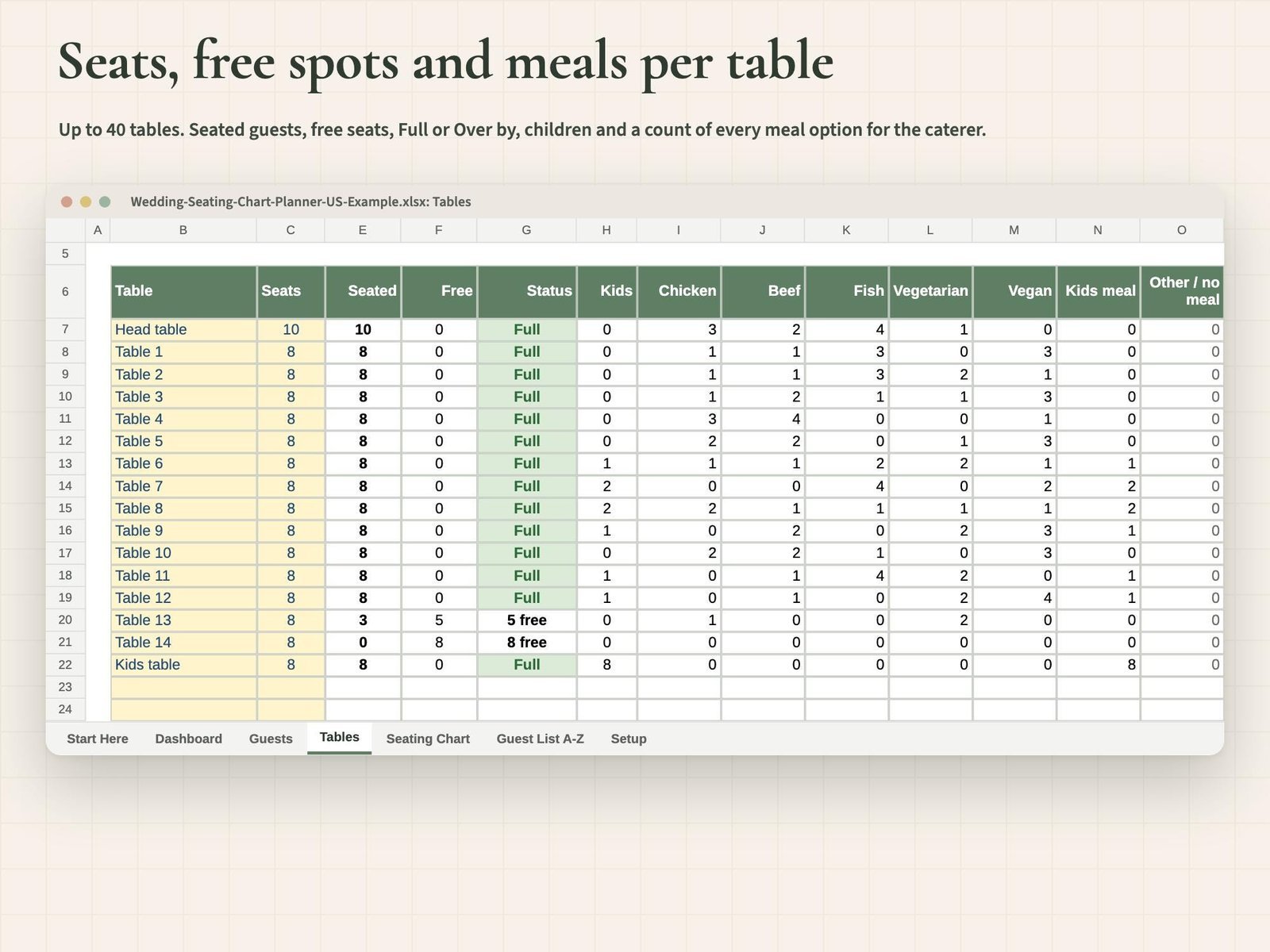
- Tables: up to 40 tables with seats, notes, seated guests, free seats, Full or Over by, children and a count of each meal option
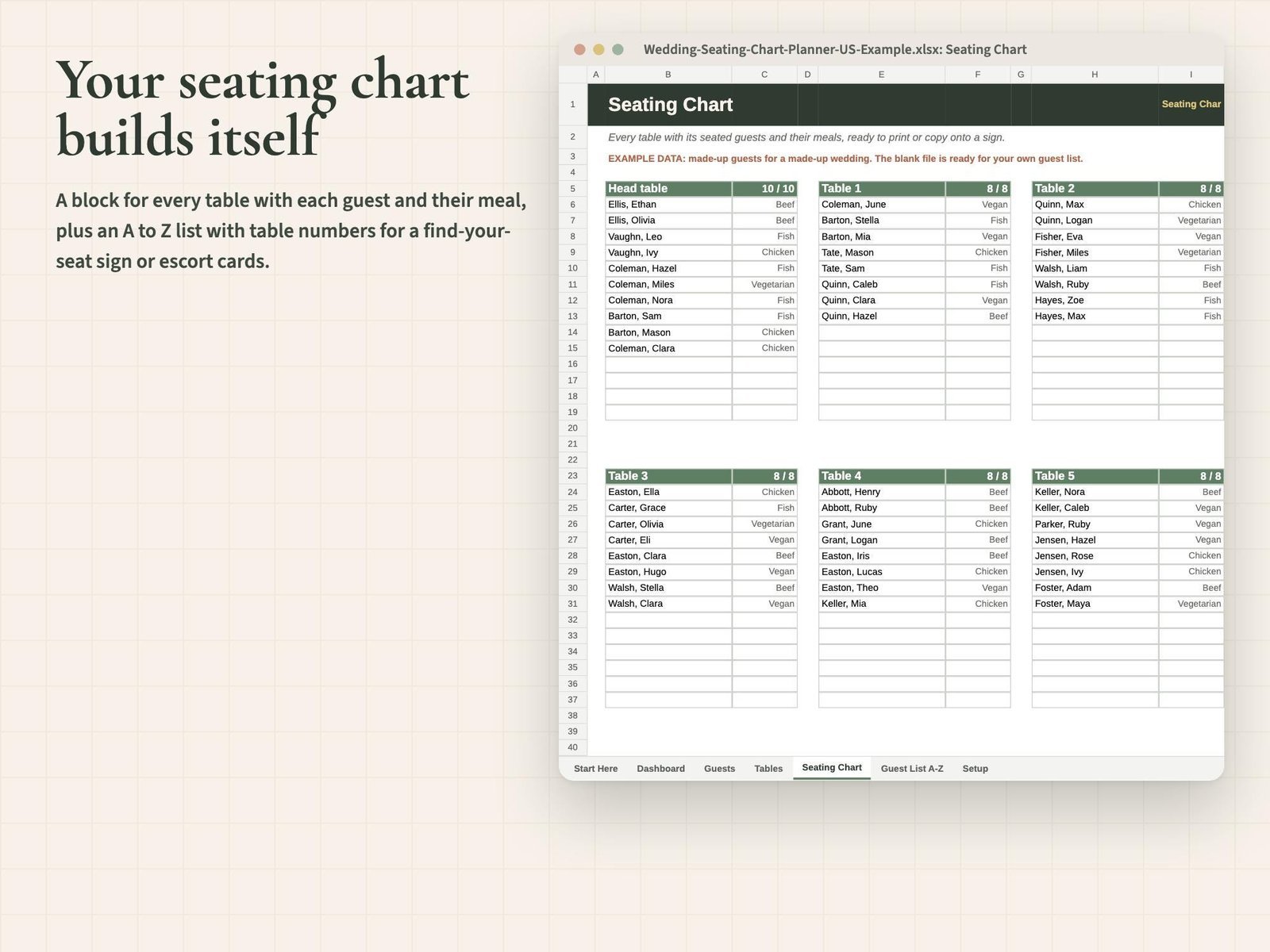
- Seating Chart (UK edition: Table Plan): a block for every table with each guest and their meal
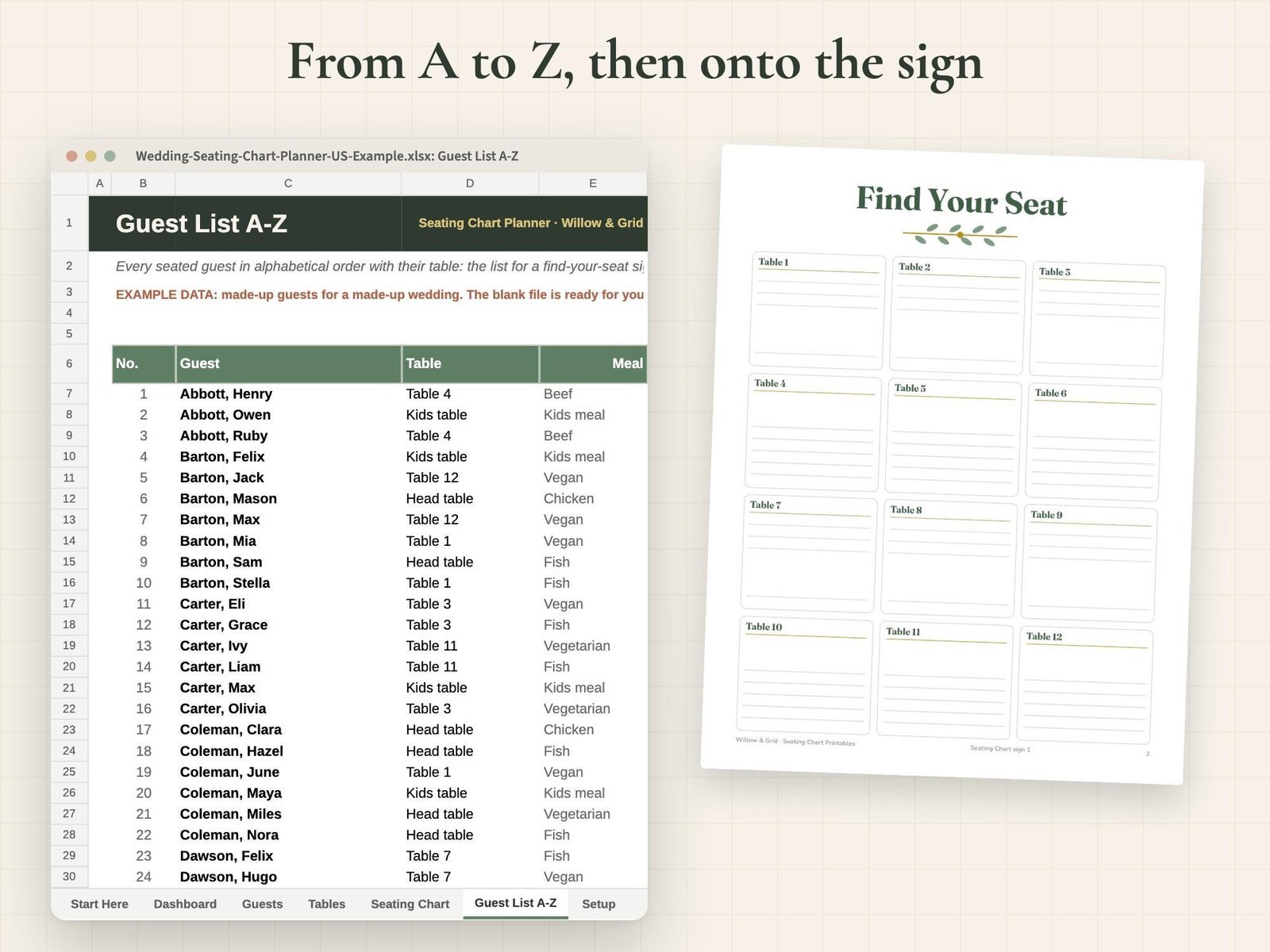
- Guest List A-Z: every seated guest in alphabetical order with their table, for a find-your-seat sign or escort cards
- Dashboard: guests, attending, seated, tables full or over capacity, meals of attending guests, sides, groups and a meal chart
- Setup: couple, wedding date, venue, 3 sides, 6 meal options and 10 guest groups used in every tab
- Drop-down lists for side, group, RSVP, meal and table
- Blank file plus an example file with over 120 made-up guests at 16 tables
WHAT'S IN THE PRINTABLES (26 pages)
- Find Your Seat sign (UK: Find Your Table), 2 pages with 24 table boxes to fill in
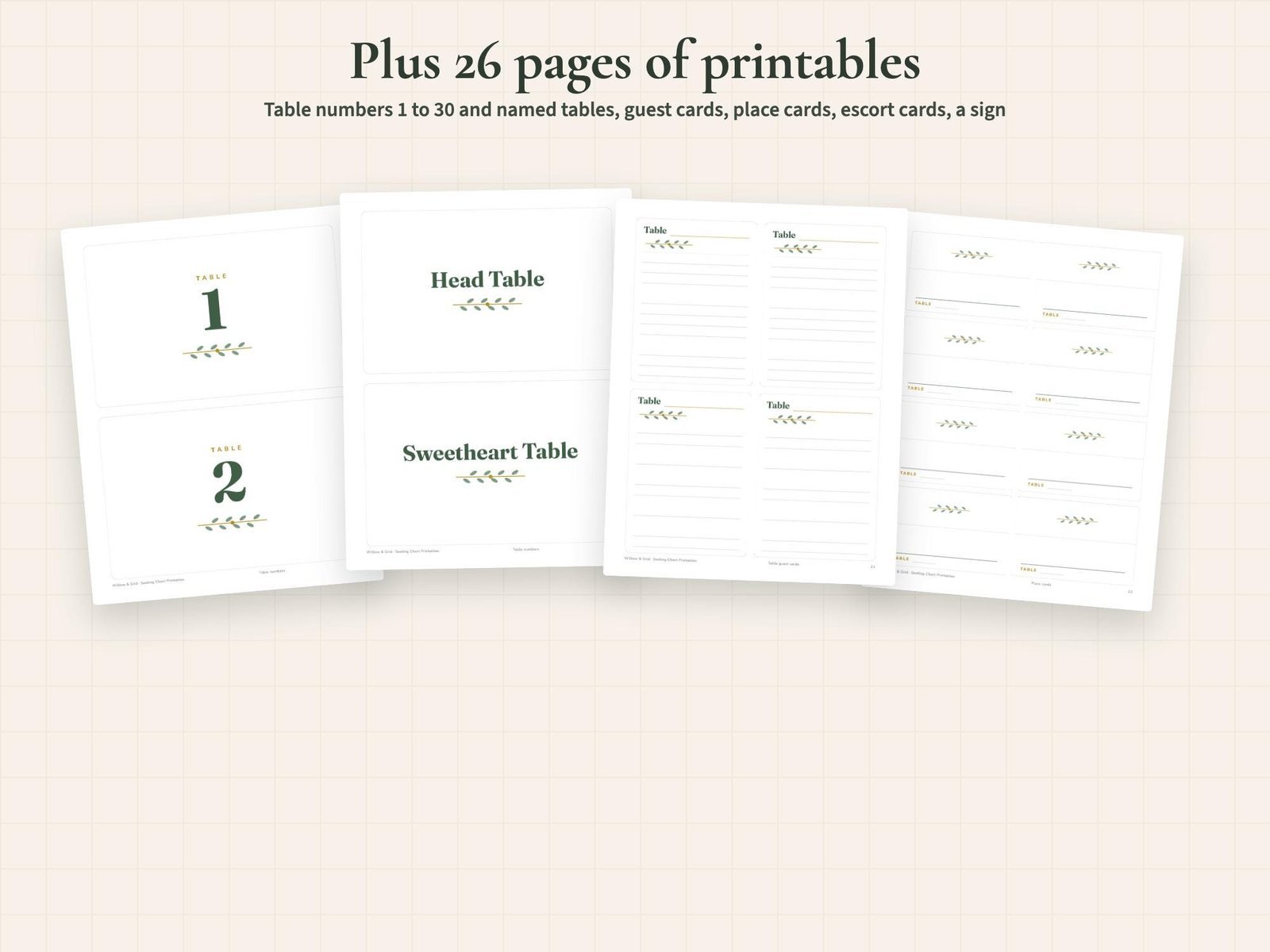
- Table numbers 1 to 30, plus Head Table, Sweetheart Table (UK: Top Table), Kids Table and Gift Table, 2 per page
- Table guest cards, 8 cards, 4 per page
- Tent place cards, 16 cards, 8 per page
- Escort cards, 20 cards, 10 per page
- Sage green and gold on a white background
What you get
- 2 spreadsheets for the US edition (blank + example) and 2 for the UK edition (blank + example), .xlsx
- 1 zip file with 2 PDFs: US Letter (8.5 x 11 in) and A4 (210 x 297 mm), 26 pages each
- Works in Microsoft Excel (2016 or newer, Microsoft 365) and in Google Sheets after upload (a free Google account is needed). No macros, no subscription
- Calculated tabs are protected without a password so formulas are not typed over by mistake
- Questions? Send us a message at willowandgrid.com/contact.
Digital file. No physical item will be shipped. Personal use only, please do not share or resell. Designed by Willow & Grid with the help of AI tools, then checked and finished by hand.